
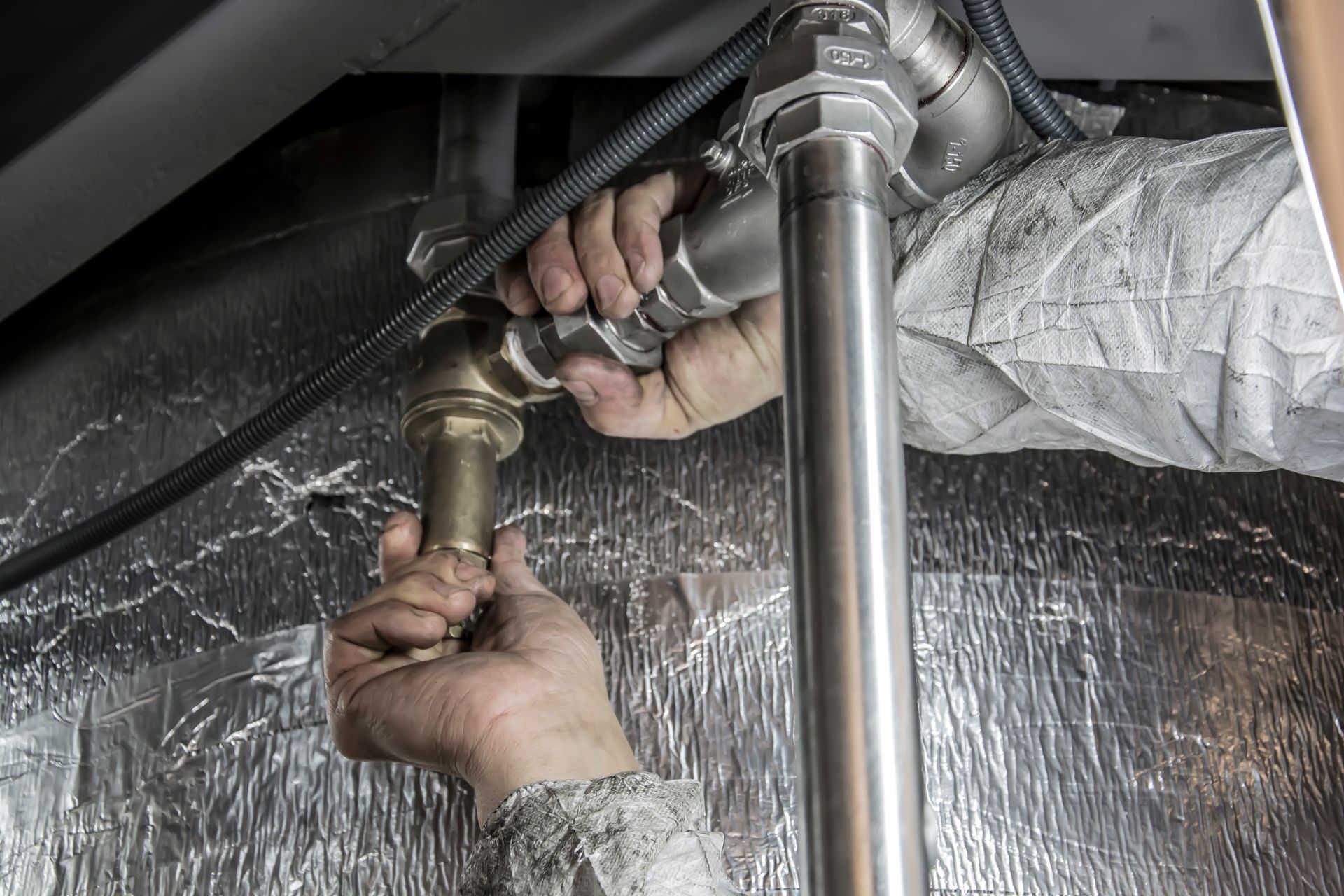
It is 9:14 on a Thursday night. A homeowner is standing in an inch of water in the basement, holding a phone in one wet hand, searching for a plumber who can come tonight. They tap the first few results. One site takes forever to load. Another shows a contact form and a line that says “we’ll respond within one business day.” The third has a big phone number at the top, a sentence that says someone answers after hours, and a short note on how to shut off the main water valve while they wait.
That third plumber gets the call.
Emergency plumbing work is won or lost in the first few seconds on a phone screen, usually at an hour when nobody at your shop is looking at the website. The homeowner is stressed, distracted, and comparing you against two or three competitors at once. Your emergency service page has to do the job your dispatcher would do if they could answer the search directly: confirm you can help, show them how to reach you, and give them a reason to trust you with their house. Below we walk through what belongs on that page, how to talk about after-hours pricing honestly, and the small things that quietly break and cost you calls without anyone noticing.
What a homeowner needs to see on the first screen
Start with the phone number. It should sit at the very top of the page on mobile, large enough to tap with a thumb, and it should be set up as a tap-to-call link so the visitor never has to copy digits or switch apps. Repeat it a few more times down the page, because someone who scrolls to read about your services should never have to scroll back up to find a way to reach you.
More important than where the number appears is what happens when someone taps it at 9pm. If that number rings an office phone that goes to a full voicemail box after five o’clock, the page has failed no matter how good it looks. Before you write a single word of copy, call your own emergency number after hours and see who answers. Then decide how you want to describe that experience on the page.
Right beside the number, tell people plainly when you are available. Homeowners have learned to be skeptical of “24/7” banners, because plenty of them lead to an answering service that takes a message and promises a callback in the morning. If you truly have a technician on call every night, say so. If you cover evenings until midnight and weekends but not overnight, say that instead. A specific, honest statement like “A real person answers this line every night until midnight, including weekends” earns more trust than a vague promise that falls apart the first time someone calls at 2am.
Next, show your service area. Someone with a burst pipe does not want to call, explain the problem, and then learn you don’t drive to their town. List the cities, towns, or counties you cover for emergency calls, and if your emergency area is smaller than your regular service area, make that clear. A short sentence works fine, and it saves both of you a frustrating phone call.
Finally, set rough expectations about response. You don’t need to promise an arrival time, and you probably shouldn’t promise one you can’t keep on a busy night. What helps is a description of the process: you call, a person asks a few questions about what is happening, and they tell you when a technician can realistically get there. That simple outline lowers anxiety, which is what a panicked homeowner needs most in that moment.
How to talk about after-hours pricing without making promises you can’t keep
Pricing is the question every after-hours caller is thinking about, and many plumbing websites avoid it entirely. That silence tends to make people nervous. They assume the worst, or they call three other shops first hoping to hear a number.
You don’t have to publish a price list to address this. You can explain how after-hours work is billed in general terms: whether there is a separate after-hours or dispatch charge, whether it applies on weekends and holidays, and whether the technician will explain the cost before starting any work. A line like “Our technician will walk you through the cost before we begin, so there are no surprises on the invoice” is reassuring and easy to stand behind. If you do choose to list specific fees, keep them current, because an outdated number on your website becomes a frustrating conversation at the customer’s door.
The same care applies to every claim on the page. Phrases like “fastest response in the county,” “always the lowest price,” or “guaranteed arrival in 30 minutes” are easy to write and hard to back up. The Federal Trade Commission’s advertising guide for small businesses explains that advertising has to be truthful and that advertisers need evidence to support their claims before the ad runs. It also notes that when a claim needs qualifying information, that information should be clear and placed close to the claim, where a fine-print footnote or a disclaimer that is easy to miss on a website won’t do the job. For a plumber, the practical takeaway is simple. If a promise has an asterisk, put the condition right next to the promise in plain words, or rewrite the promise into something you can keep every single night.
Honest language also protects your reviews. A homeowner who was told “we’ll be there within the hour” and waited three hours is far more likely to leave an angry review than one who was told “we’ll give you a realistic arrival time when you call” and then got exactly that.
Trust signals and quick help that keep people on the page
When someone is about to let a stranger into their home late at night, they look for proof that you are a real, established, accountable business. Your emergency page should give them that proof without making them hunt for it.
If your state or city licenses plumbers, display your license number on the page, exactly as it appears on your license, and mention that you carry insurance if you do. These details may seem dry, but careful homeowners look for them, and they separate you from the anonymous lead-generation sites that crowd emergency search results. Real photos help too. A picture of your actual truck, your actual technicians in uniform, or a recent job in a local home tells a visitor far more than a stock photo of a smiling model holding a wrench.
Reviews belong here as well. A few short, recent reviews that mention after-hours or emergency calls are especially persuasive, because they answer the exact question the visitor has: will these people actually show up when it’s late and something is going wrong? Link to your Google reviews so people can see the full picture, and refresh the quotes on the page every so often so they don’t drift years out of date.
One of the most effective trust builders is also the simplest. Give the visitor a few things they can do right now while they wait. For a burst or leaking pipe, that might be a short paragraph on finding and closing the main shutoff valve, with a note about where it is commonly located in homes in your area. For an overflowing toilet, it might be closing the valve behind the toilet. For a leaking water heater, it might be shutting off the cold water supply to the tank and, for safety, the gas or power to the unit. Keep this guidance brief, practical, and conservative, and always pair it with a clear reminder to call you. Helping someone limit the damage before you arrive shows that you care about their home, and they remember it.
A second path for the not-quite-emergency
Plenty of people land on your emergency page with a problem that can wait until morning: a slow drain, a running toilet, a water heater that is making strange noises but still working. Some of them would rather not call at 10pm. Give them a short form, or a text option if your phone system supports it, with only a few fields: name, phone number, address or town, and a sentence about what is going on. Let them know when they can expect to hear back, such as “first thing tomorrow morning,” and make sure that is true. Those leads are easy to lose if the only option is a phone call they feel awkward making, and they often turn into scheduled jobs that fill your calendar during regular hours.
Make your hours match everywhere, and make the page fast
Many homeowners never reach your website at all. They see your business in Google’s results or on Maps, glance at the hours, and decide whether to call. If your Google Business Profile says you closed at 5pm while your website says you take emergency calls all night, you have just lost the call to a competitor whose listing says “Open.”
Make sure the hours on your website, your Google Business Profile, and any other listings all describe the same reality. Holidays deserve special attention, since that is exactly when pipes freeze and drains back up after big family gatherings. Google’s help article on setting special hours explains how to schedule holiday and other temporary hours without changing your regular ones, and it recommends confirming your hours for official holidays even when they are the same as usual, so customers can see the information is accurate. If you run on-call coverage that differs from your shop hours, the same article points to the “More hours” option for services with different times.
Your website can describe its hours to search engines in a structured way too. Google’s documentation on local business structured data shows how a site can mark up its opening hours, including late-night hours that run past midnight and how to indicate a business that is open 24 hours on a given day. Your web team can add this behind the scenes. The important part for you is that the hours in that markup match what is on the page and on your Google profile, so every source tells the same story.
Speed matters just as much as accuracy. The person searching is on a phone, possibly on a weak signal in a basement, and they will not wait long for a heavy page to load. Google’s Core Web Vitals guidance says that, for a good experience, the main content of a page should load within 2.5 seconds, the page should respond to taps within 200 milliseconds, and the layout should stay visually stable while it loads. That last one matters more than it sounds. If the phone number jumps down the screen just as someone tries to tap it, they may hit the wrong thing and give up. Keep the emergency page lean: compressed photos, no autoplaying video, no pop-ups covering the phone number, and nothing that pushes your contact information below a wall of content.
What breaks quietly on an emergency page, and who is watching it
The frustrating thing about emergency pages is that they usually fail silently. Nobody at the shop visits the page at 9pm, so nobody notices when something goes wrong. The phone simply rings less, and the drop is easy to blame on the season or the economy.
Here are the problems we see most often:
- The phone number on the page is out of date because the business switched carriers, added a tracking number, or changed its after-hours line, and only some pages were updated.
- Call forwarding to the on-call technician was changed or turned off, so after-hours calls ring an empty office or land in a full voicemail box.
- The non-urgent form sends leads to an old email address, a former employee’s inbox, or a spam folder nobody checks.
- The site’s security certificate expired, so visitors see a browser warning instead of your page and back out to the next result.
- Holiday or seasonal hours were changed on Google but never on the website, or the other way around.
- A plugin or theme update broke the tap-to-call button, the form, or the mobile layout, and nobody tested it afterward.
None of these are hard to fix once you know about them. The hard part is knowing. A simple habit helps: once a month, pull up your emergency page on your own phone after hours, tap the number, submit a test form, and compare the hours against your Google profile. It takes ten minutes, and it can catch a problem that would otherwise cost you weeks of missed calls.
Of course, monthly checks are exactly the kind of task that slides when the schedule fills up. You are running crews, ordering parts, and answering calls yourself. Website maintenance tends to wait until something visibly breaks, and on an emergency page, the breakage is rarely visible to you.
That is the work a managed website is built to handle. With NorthMac’s managed website service, your site is built, hosted, updated, secured, monitored, and supported for one monthly price. We keep the security certificate current, apply updates and check that the important parts of your site still work afterward, and make the changes you send us, whether that is a new after-hours number, holiday hours, a fresh set of reviews, or an expanded service area. Update requests are unlimited and handled one at a time, so your emergency page keeps up with how your business actually runs.
When the next burst pipe happens at 9pm, your website should be ready to get the call. If you’re ready for your website to be handled, start your managed website for $47, or see everything that’s included first.
